
Floor & kitchen (restaurant)
For restaurants, VertaFlow has two purpose-built screens: the Floor for front of house (reservations and walk-ins) and the Kitchen Display for the line. They’re separate screens because the host stand and the kitchen do very different jobs.
The Floor screen
Section titled “The Floor screen”Open Floor from the sidebar. It’s your host stand: today’s reservations on top, the walk-in waitlist below.
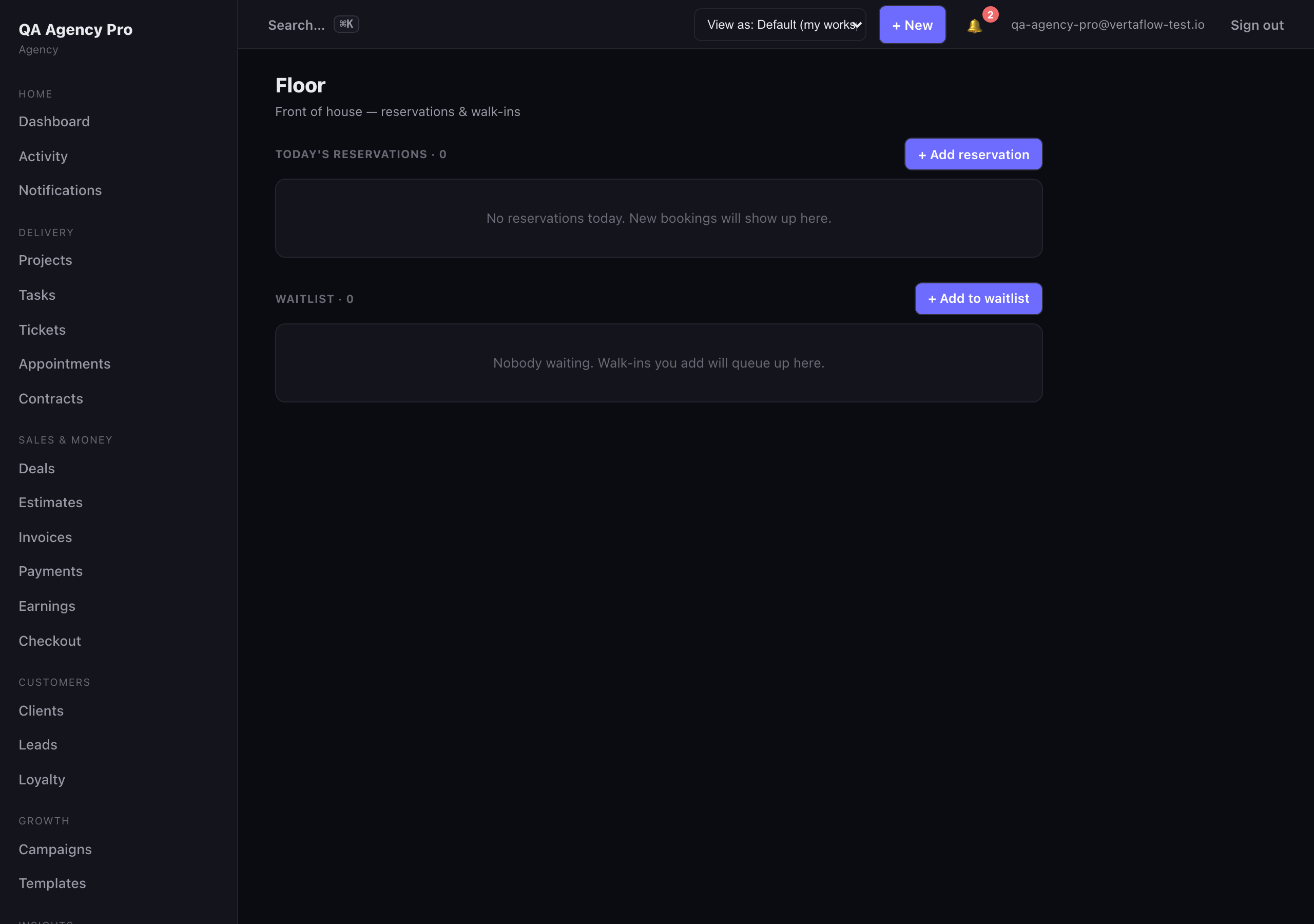
The Floor screen runs the host stand — today’s bookings up top, walk-ins queued below.
Today’s reservations
Section titled “Today’s reservations”Each reservation shows the time, guest name, party size, table (if assigned), and its current status: pending, confirmed, seated, completed, no show, or cancelled.
To move a booking forward through the night, click the status button on its row — it advances one step at a time: pending → confirmed → seated → completed. The button always shows the next step (e.g. → confirmed), and reads Done once the booking is complete.
To take a new booking, click + Add reservation, fill in the guest details and time, and save. It drops straight into the list.
Waitlist
Section titled “Waitlist”The waitlist is your walk-in queue, ordered by position. Each entry shows the guest name, party size, an estimated wait (if you set one), and when they were added.
- Seat marks the party seated and removes them from the queue.
- Remove takes them off the list (e.g. they left).
- + Add to waitlist queues a new walk-in.
The Kitchen Display (KDS)
Section titled “The Kitchen Display (KDS)”Open Kitchen from the sidebar. This is the live ticket board for the line — fired orders stream in as cards in real time, oldest first.

The Kitchen Display streams fired tickets live, with each ticket’s running age and one-tap ready / bump.
Working tickets
Section titled “Working tickets”Each ticket card shows the order reference, table, a running age clock (how long since it was fired, ticking up live), the course, the line items with quantities and modifiers, and any kitchen notes.
- Mark ready flips the ticket to ready so expo and the floor can see it’s up.
- Bump clears the ticket off the board once it’s been sent out.
Actions are live across every screen — when one station marks a ticket ready or bumps it, the change shows up on every other kitchen display at once.
Staying connected
Section titled “Staying connected”The Kitchen Display runs over a live connection rather than refreshing on a timer, so tickets appear the instant they’re fired. The header tells you the state — live with an open-ticket count, Connecting…, or Disconnected.
- If the connection drops, tap ↻ Refresh to reconnect. This re-pulls the current open tickets, so nothing is lost.
- If you see Live channel unavailable, the kitchen channel isn’t set up for your environment yet. The board is read-only until it’s configured — reach out to support if you expect it to be on.