
Loyalty & rewards
Loyalty turns repeat customers into members. Clients earn points when they spend, climb named tiers like Bronze / Silver / Gold, and redeem points at your kiosk. You set the rules; VertaFlow keeps the points.
The Loyalty list
Section titled “The Loyalty list”Open Loyalty from the sidebar to see every member with their:
- Member name.
- Points balance.
- Tier.
- Lifetime spend.
Use the Search member box to find someone fast. Click any row to open that member’s detail.
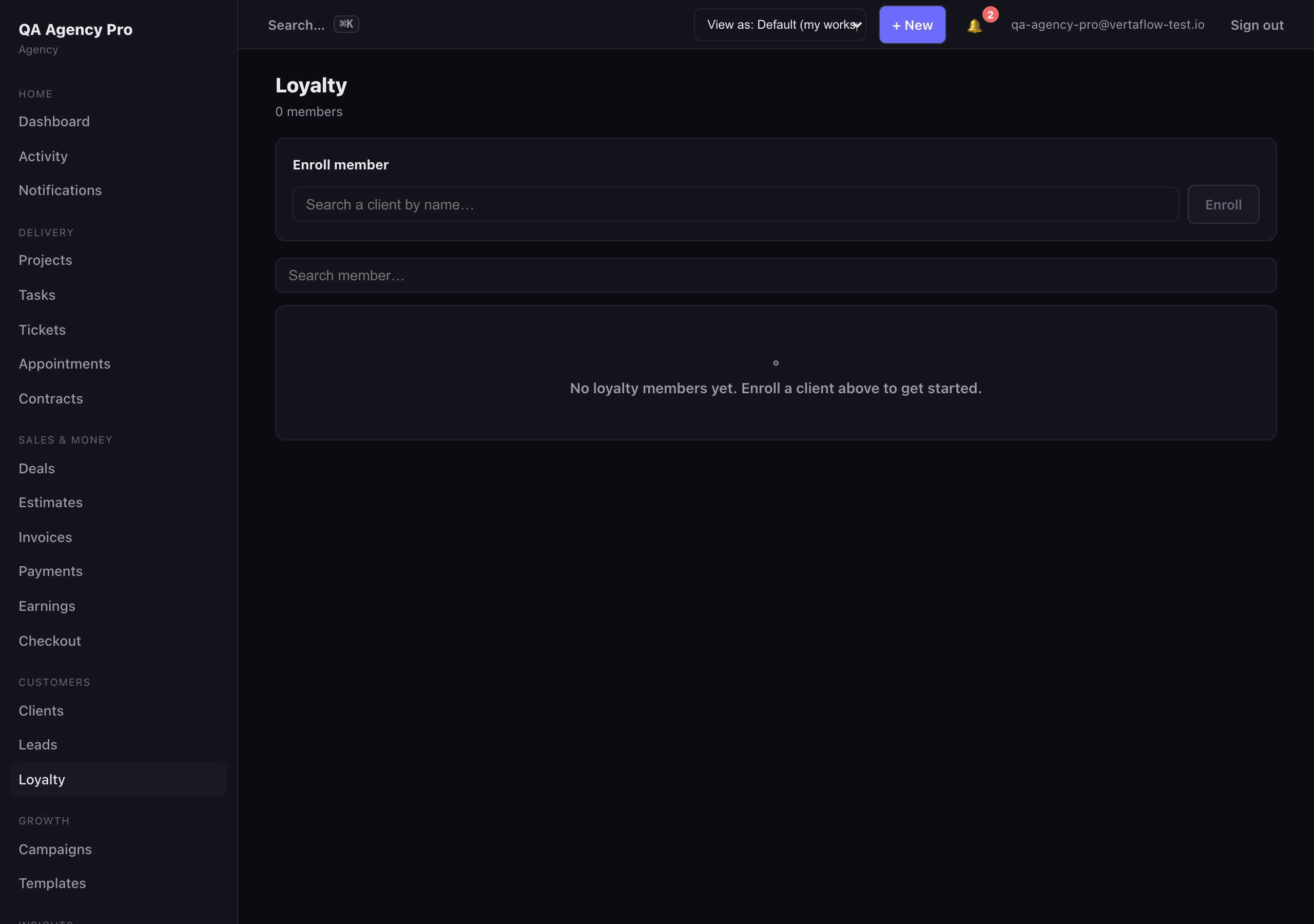
The loyalty list — every member, their points, tier, and lifetime spend.
Enroll a member
Section titled “Enroll a member”- At the top of the Loyalty list, find the Enroll member card.
- Pick a client from the picker. Don’t have them as a client yet? Use + Create right in the picker to add them on the fly — VertaFlow makes the client record and enrolls them in one step.
- Click Enroll.
You land on the new member’s loyalty detail. Enrolling is safe to repeat — if a client is already a member, nothing breaks.
Set up your program (Settings → Loyalty)
Section titled “Set up your program (Settings → Loyalty)”The owner controls the rules under Settings → Loyalty. This is where you decide how fast points add up and what the tiers are.
Settings → Loyalty — set your earn rate, redeem value, and reward tiers.
Earning
Section titled “Earning”- Points earned per $1 spent — your earn rate. Set it to
1for a classic 1-point-per-dollar program (roughly a 1% rewards rate). Increase it to reward faster. - Redeem value (cents per point) — what one point is worth when a client cashes it in. Leave it at
0if your points only drive tiers and don’t have a cash value.
Reward tiers
Section titled “Reward tiers”Name each tier and the lifetime points needed to reach it — for example Bronze 0, Silver 500, Gold 2000.
- Type a Tier name and its Points threshold.
- Click + Add tier for the next one.
- Use the ✕ to remove a tier (you always keep at least one).
VertaFlow sorts your tiers low-to-high automatically when you save, so the ladder stays in order no matter what order you type them in.
When everything looks right, click Save.
How points move
Section titled “How points move”- Earning — points accrue on purchases at your configured rate, along with each client’s lifetime spend.
- Redeeming — at the kiosk, a client scans their membership card and their points balance and tier come right up, ready to spend.