
Earnings
Earnings is the ledger of what’s been earned on top of the base work — tips and commissions — for the people in your workspace. It’s where you check what someone has earned and what’s still owed to them.
The Earnings view
Section titled “The Earnings view”Open Earnings from the sidebar. Two summary cards sit up top:
- Total earned — everything in the ledger.
- Awaiting payout — anything not yet marked paid.
Below that is the ledger itself. Each row shows:
- Date — when it was earned.
- Earner — who earned it, and whether they’re a user, crew, or practitioner.
- Type — Tip or Commission.
- Source — whether it was entered manually or generated from an invoice.
- Status — Pending, Approved, or Paid.
- Amount — what was earned.
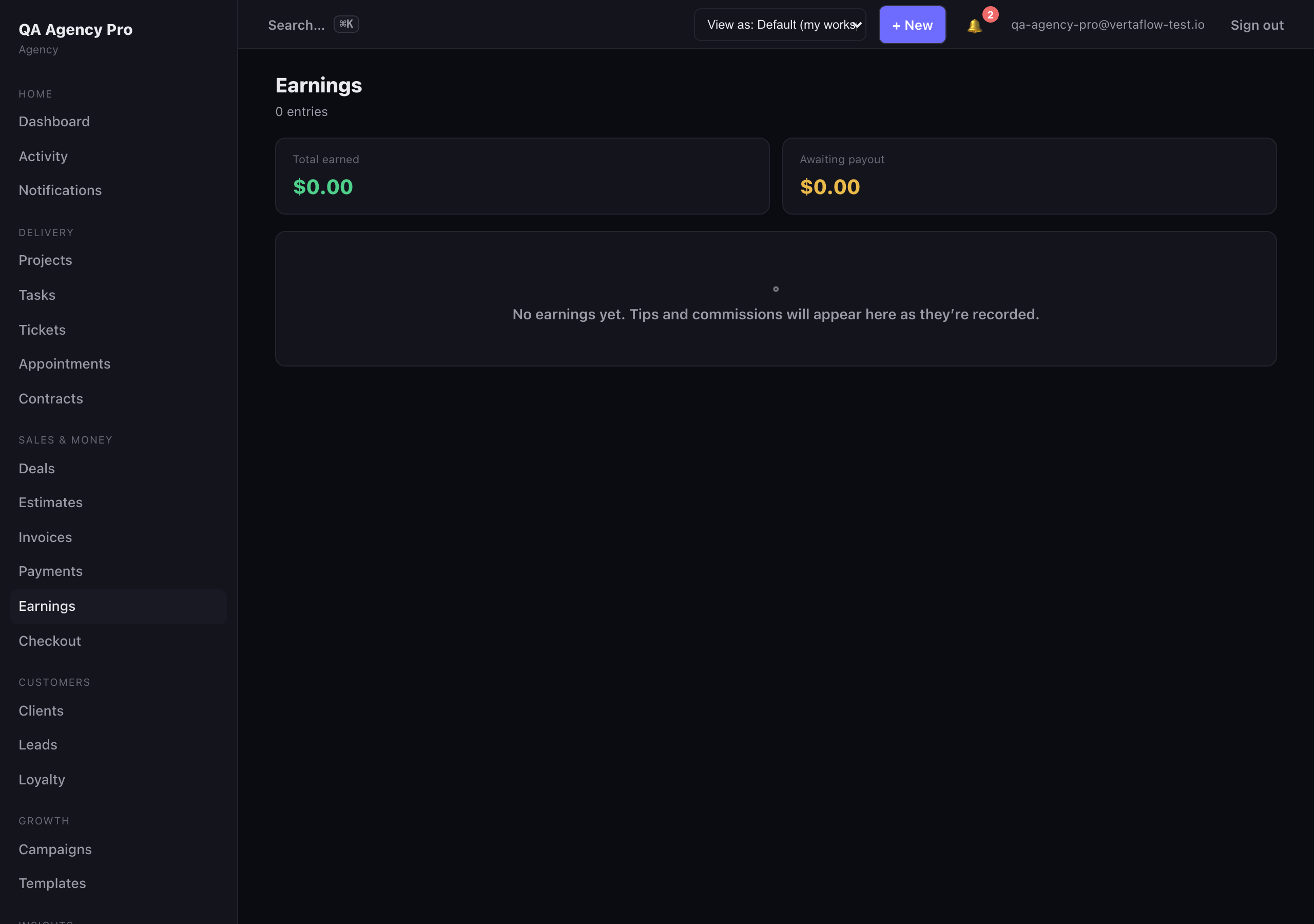
Earnings: tips and commissions, with totals for earned and awaiting payout.