
Payments & refunds
Payments is the running record of money you’ve collected — card charges, cash, checks, and ACH — each tied back to the invoice it paid. When you need to give money back, you issue a refund from here.
The Payments list
Section titled “The Payments list”Open Payments from the sidebar. The header shows how many payments have come in and the total collected. Each row shows:
- Received — when the payment came in.
- Method — Card, Cash, Check, ACH, or Other.
- Notes — anything recorded with the payment, like a check number.
- Amount — what was collected.
Payments land here automatically as invoices are paid — whether that’s a Stripe card payment, a Checkout sale, or a manual payment you recorded on an invoice.
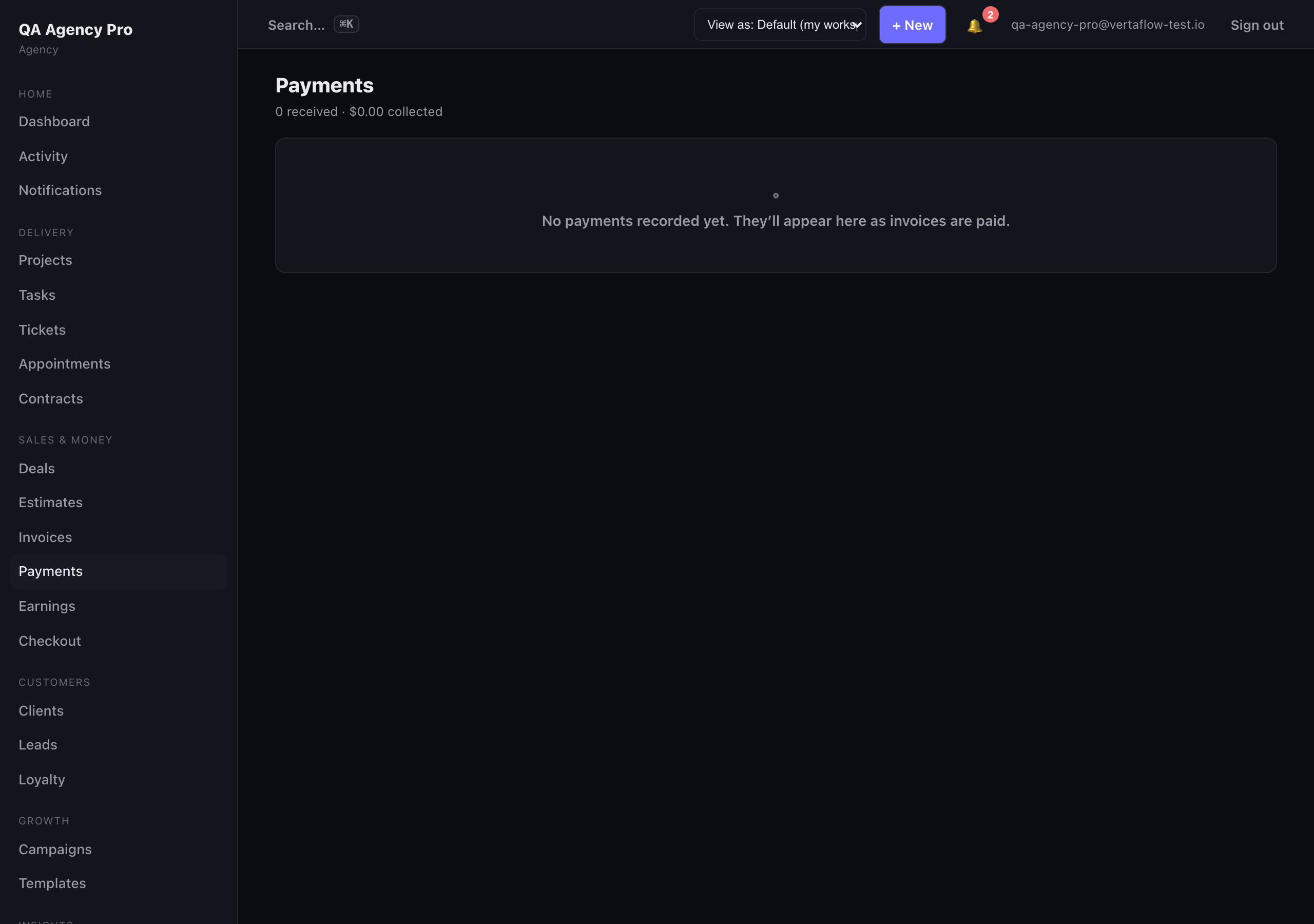
Payments: every collection, tied to the invoice it paid.
Open a payment
Section titled “Open a payment”Click a row to open it. The detail page shows the amount, method, when it was received, any notes, and a link to the invoice it belongs to. If the invoice is available, you’ll also see the invoice total and the net paid on it (all payments minus any refunds).
A refund shows up here too — as a separate entry labeled Refund, with a negative amount.
Issue a refund
Section titled “Issue a refund”When you need to give money back, refund the original payment:
- Open the payment you want to refund.
- In the Refund panel, the amount is pre-filled with the full refundable amount. Leave it as-is for a full refund, or lower it for a partial refund.
- Click Refund, then click again to confirm.
VertaFlow records the refund against the same invoice and reconciles the invoice’s status: a fully-paid invoice with money returned drops back to partial (or unpaid) automatically.